




Employee Self-Service Portal: Why Your HR Team (and Your Employees) Will Love It ?
“Hi, can you please send me last month’s payslip?”
“How many leaves do I have left?”
“Where can I find the leave policy again?”
If you work in HR, you’ve probably answered each of these questions more times than you can count. Each one takes just a couple of minutes. But add them up across a whole team, every single week, and they quietly eat a big chunk of your day.
That’s exactly the problem an employee self-service portal solves. In this blog, let’s talk about what it is, why it makes everyone’s life easier, and how to roll one out without confusion.
What Is an Employee Self-Service Portal?
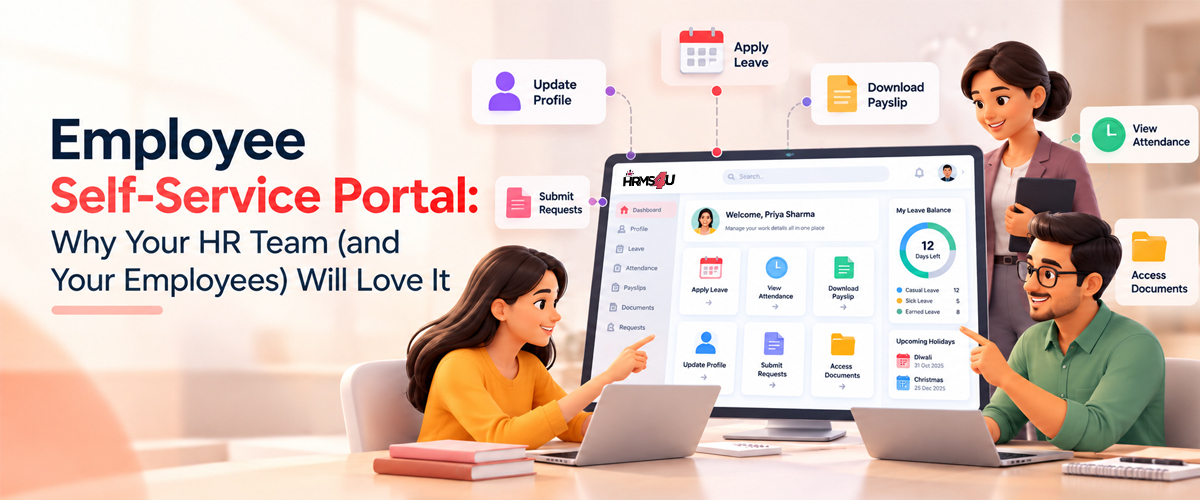
An employee self-service (ESS) portal is the part of your HR system that employees use themselves. Each person logs in and sees their own information: leave balance, payslips, attendance, company policies and announcements.
They can also take simple actions, like applying for leave, without sending an email to HR. Think of it like net banking. You don’t call the bank to check your balance anymore. You just log in. An ESS portal does the same for HR.
What Can Employees Do in an Employee Self-Service Portal?
Here are the things employees use the most:
- Apply for leave and track whether it’s approved.
- Check leave balances anytime.
- Raise a request if their attendance was missed.
- View and download payslips.
- See their personal records.
- Read company policies and announcements.
- Share feedback through polls and surveys.
Managers get an extra view to approve requests and see their team’s leave and attendance.
How Requests and Approvals Work?
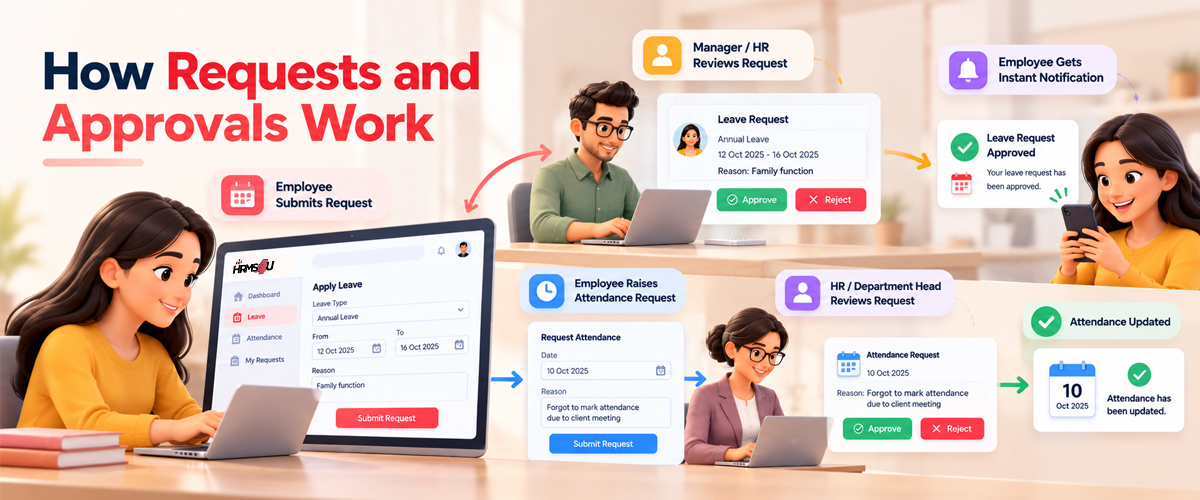
Leave requests
- The employee applies for leave in the portal.
- The request goes straight to their manager or HR.
- The manager or HR decides whether to approve or reject it.
- The employee gets a notification with the decision right away. No emails, no reminders, no wasted time.
Attendance requests
Sometimes an employee’s attendance gets missed, for example when they forget to mark it. Instead of messaging HR, they raise an attendance request in the portal.
- The employee raises a request for the missed attendance.
- HR or the department head reviews it.
- If the request is approved, the attendance is updated. If not, the request is rejected.
Why HR Teams Love an Employee Self-Service Portal ?
Let’s be honest, HR teams are rarely short of work. An employee self-service portal takes the repetitive part off their plate.
Fewer “quick questions.” When employees can find their own payslip or leave balance, those small requests stop landing in HR’s inbox.
Cleaner data. Information lives in one system instead of being scattered across emails, spreadsheets and chat messages.
Faster approvals. Leave requests go straight to the right manager. No forwarding, no follow-ups.
A proper record. Every request and approval is saved with a date, which helps a lot during audits or disputes.
More time for real HR work, like hiring well, supporting employees and building a better workplace.
Why Employees Love It Too?
It’s not just HR that benefits from an employee self-service portal. Employees get:
- Transparency: they can see exactly where their leave request stands.
- Less dependence on one HR person being available.
- Access from anywhere, including their phone, which matters a lot for field and remote staff.
For younger employees especially, a self-service portal simply feels like the normal way things should work.
“Will People Actually Use the Employee Self-Service Portal?”
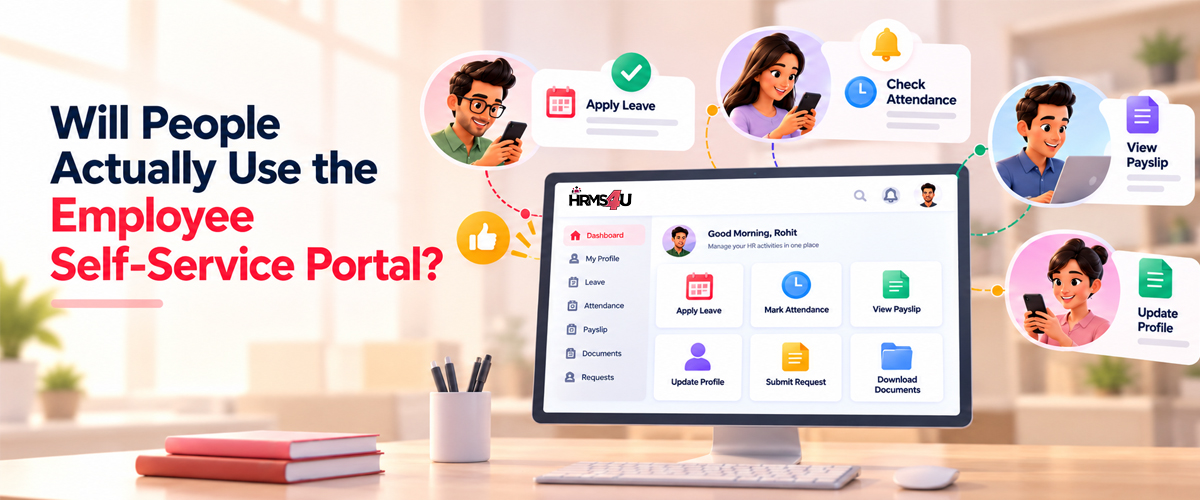
This is the most common worry, and it’s a fair one. Usually, people use a portal when it solves a daily need. Leave requests, attendance, and payslips are the three biggest reasons employees log in. Once those move into the portal, the habit forms on its own.
A few things that help:
- Stop accepting leave requests over email once the portal is live (gently, with notice).
- Post every announcement and policy in the portal first.
- Fix data errors quickly. If someone sees a wrong leave balance on Day 1, they stop trusting the system.
- Ask managers to approve on time. A portal where requests sit for a week won’t win hearts.
“Is Our Employee Data Safe in a Self-Service Portal?”
Another very valid question. A good employee self-service portal uses role-based access. That means each employee sees only their own data, managers see only what they need for their team, and HR controls the rest. Before choosing any system, ask how access is controlled and how data is stored.
How to Roll Out an Employee Self-Service Portal Smoothly
- Start small. Begin with leave, payslips and policies.
- Check your data first. Make sure leave balances and employee details are correct.
- Train managers before employees. They’ll be answering team questions.
- Share a simple guide with screenshots.
- Decide what employees can edit themselves and what needs HR approval, like bank details.
- Ask for feedback after a month and tweak things.
A Small Example: Leave Requests With and Without Self-Service
Say an employee wants to take two days off next week.
Without self-service, they email their manager, the manager replies “ok”, and HR updates a sheet if someone remembers to forward it.
With an employee self-service portal, the employee applies in the portal, the manager approves with one click, and the leave balance updates on its own. Everyone sees the same, correct number.
How HRMS4U’s Employee Self-Service Portal Helps?
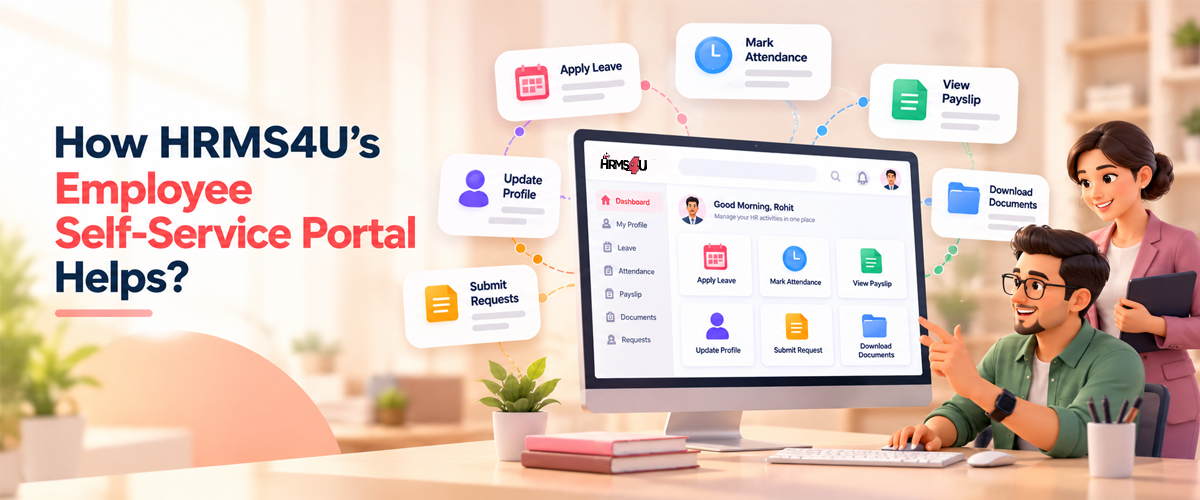
HRMS4U gives your employees self-service access to their HR information: personal records, leave requests and approvals, and secure access to their own payslips.
Company policies and announcements are shared through the Organization module, with policy acknowledgement tracking.
And because HRMS4U is cloud-based and mobile-friendly, your team can use it on phones, tablets, laptops and desktops.
Frequently Asked Questions:
What does ESS mean in HR?
Is an employee self-service portal useful for a small company?
Yes. Even a team of 20 sends a lot of small requests to HR every week. Self-service saves time from the very beginning.
Can employees use the self-service portal on their phones?
If the HR system is mobile-friendly, yes. HRMS4U works on phones, tablets, laptops and desktops.
Can employees change their own bank details?
Most companies allow employees to update basic details themselves, while sensitive changes like bank details go to HR for approval.
Final Thoughts
An employee self-service portal is one of those changes that feels small but makes a big difference. HR spends less time on repeated requests, employees get answers faster, and everyone works from the same, up-to-date information.
If you’d like to see what the employee self-service portal looks like in HRMS4U, book a free demo or start a 14-day free trial. We’d love to show you around.